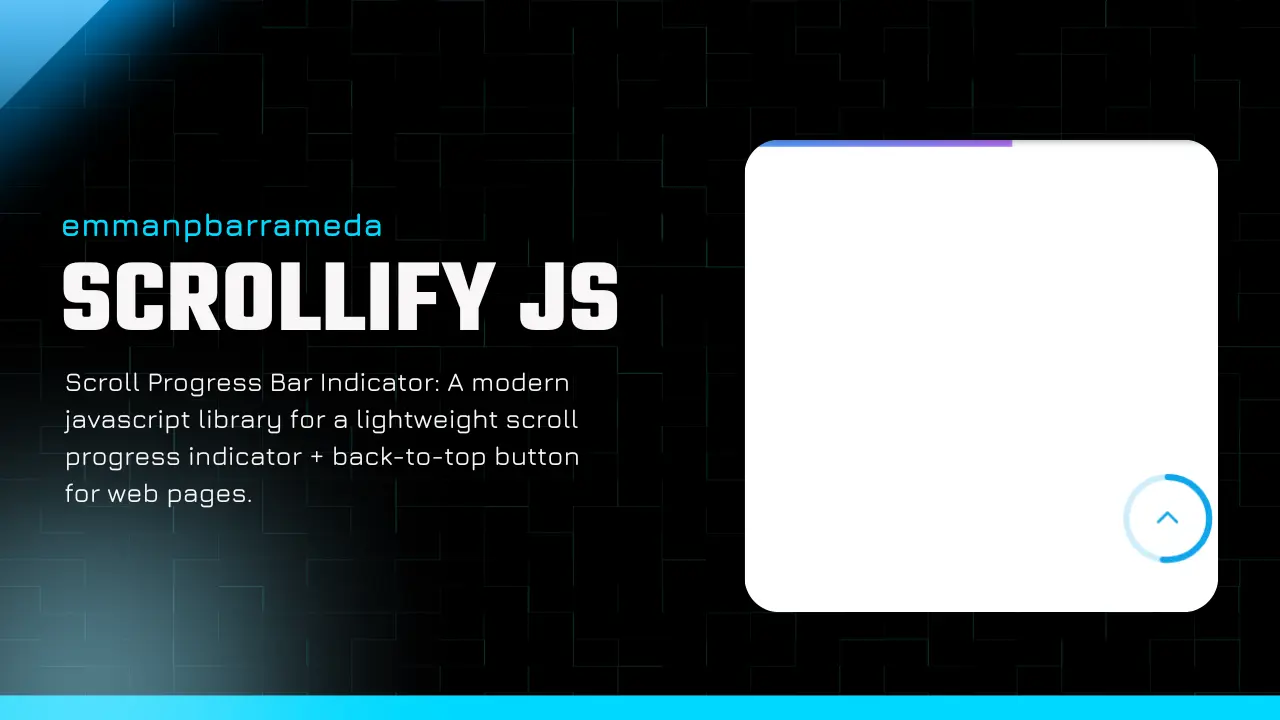
Live Demo⎘
See the Pen SCROLLIFY-JS - SCROLL PROGRESS INDICATOR WHEN SCROLLING by Emman Barrameda (emmanpbarrameda) (@emmanpbarrameda) on CodePen.
Features⎘
- Sleek and modern top scroll progress bar (GPU-friendly
transform: scaleX()) - Optional Back to Top button with circular scroll progress ring
- Fully customizable via
data-*attributes (colors, size, position, offsets, etc.) - Smooth animations (requestAnimationFrame + passive listeners)
- Lightweight with no dependencies
- Easy integration with any website
Installation⎘
1) Include Required Files⎘
Add the following links to your HTML:
<!-- CSS --><link rel="stylesheet" href="https://cdn.jsdelivr.net/gh/emmanpbarrameda/scrollify-js@v2.0.0/scrollify-scrollprogress-indicator.css">
<!-- JavaScript --><script src="https://cdn.jsdelivr.net/gh/emmanpbarrameda/scrollify-js@v2.0.0/scrollify-scrollprogress-indicator.js"></script>
2) Add Top Progress Bar⎘
<div class="scrollify_scroll_progress" data-height="4px" data-background="linear-gradient(to left, #B374F8, #4da3ff)" data-z-index="10000" data-top="0px"></div>3) Add Back to Top Button (Optional)⎘
<button id="scrollify_scroll_progress_backToTop" class="scrollify-btt" data-position="right" data-offset="20" data-size="44" data-stroke="3" data-show="300" data-progress-color="#0ea5e9" data-track-color="rgba(14,165,233,0.2)" data-hover="true" aria-label="Back to top" title="Back to top"></button>Want a gradient ring? Use `data-progress-gradient`:
data-progress-gradient="linear-gradient(to left, #B374F8, #4da3ff)"Customization⎘
Progress Bar (.scrollify_scroll_progress)⎘
| Attribute | Description | Default Value |
|---|---|---|
data-height | Height of the progress bar | 4px |
data-background | Background color/gradient | linear-gradient(to left, #B374F8, #4da3ff) |
data-z-index | Stack order of the bar | 999 |
data-top | Top position of the bar | 0px |
Back To Top (#scrollify_scroll_progress_backToTop)⎘
| Attribute | Description | Default Value |
|---|---|---|
data-position | left or right | right |
data-offset | Bottom + side spacing (px) | 20 |
data-size | Button width/height (px) | 44 |
data-stroke | Ring thickness | 3 |
data-show | Show after scrollY (px) | 300 |
data-progress-color | Ring progress color | #0ea5e9 |
data-progress-gradient | Ring progress gradient | (none) |
data-track-color | Ring track color | rgba(14,165,233,0.2) |
data-hover | Hover nudge (icon) true/false | true |
data-spin | Spin ring true/false | false |
Full Implementation⎘
<!DOCTYPE html><html lang="en">  <head>    <meta charset="UTF-8" />    <meta name="viewport" content="width=device-width, initial-scale=1.0" />    <title>Scrollify Demo</title>
    <link rel="stylesheet" href="https://cdn.jsdelivr.net/gh/emmanpbarrameda/scrollify-js@v2.0.0/scrollify-scrollprogress-indicator.css">
  </head>  <body>    <div      class="scrollify_scroll_progress"      data-height="3px"      data-background="linear-gradient(to left, #B374F8, #4da3ff)"      data-z-index="999"      data-top="0px">    </div>
    <button      id="scrollify_scroll_progress_backToTop"      class="scrollify-btt"      data-position="right"      data-offset="20"      data-size="44"      data-stroke="3"      data-show="300"      data-progress-gradient="linear-gradient(to left, #B374F8, #4da3ff)"      data-track-color="rgba(14,165,233,0.2)"      data-hover="true"      aria-label="Back to top"      title="Back to top">    </button>
    <div style="height: 2000px; padding: 24px;">      Scroll down to see Scrollify in action! <br />      © emmanpbarrameda -      <a href="https://emmanpbarrameda.github.io/" target="_blank" rel="noopener noreferrer">        https://emmanpbarrameda.github.io/      </a>    </div>
<script src="https://cdn.jsdelivr.net/gh/emmanpbarrameda/scrollify-js@v2.0.0/scrollify-scrollprogress-indicator.js"></script> </body></html>Contributing⎘
Want to contribute? That’s great! You can:
- Fork the repository
- Create a feature branch (
git checkout -b feature/NewFeature) - Push your changes (
git push origin feature/NewFeature) - Open a Pull Request
License⎘
This project is licensed under the MIT License. See the LICENSE file for details.
Support the Project⎘
If you find this project helpful, consider:
- ⭐ Starring the repository on GitHub
- 🐦 Sharing it on Twitter
- ☕ Supporting via PayPal: https://paypal.me/emmanpbarrameda
Get in touch⎘

Check out my portfolio to learn more about me! 
|

|




Made with ❤️ by emmanpbarrameda

Comments & Reactions
(click to open)