Introduction⎘
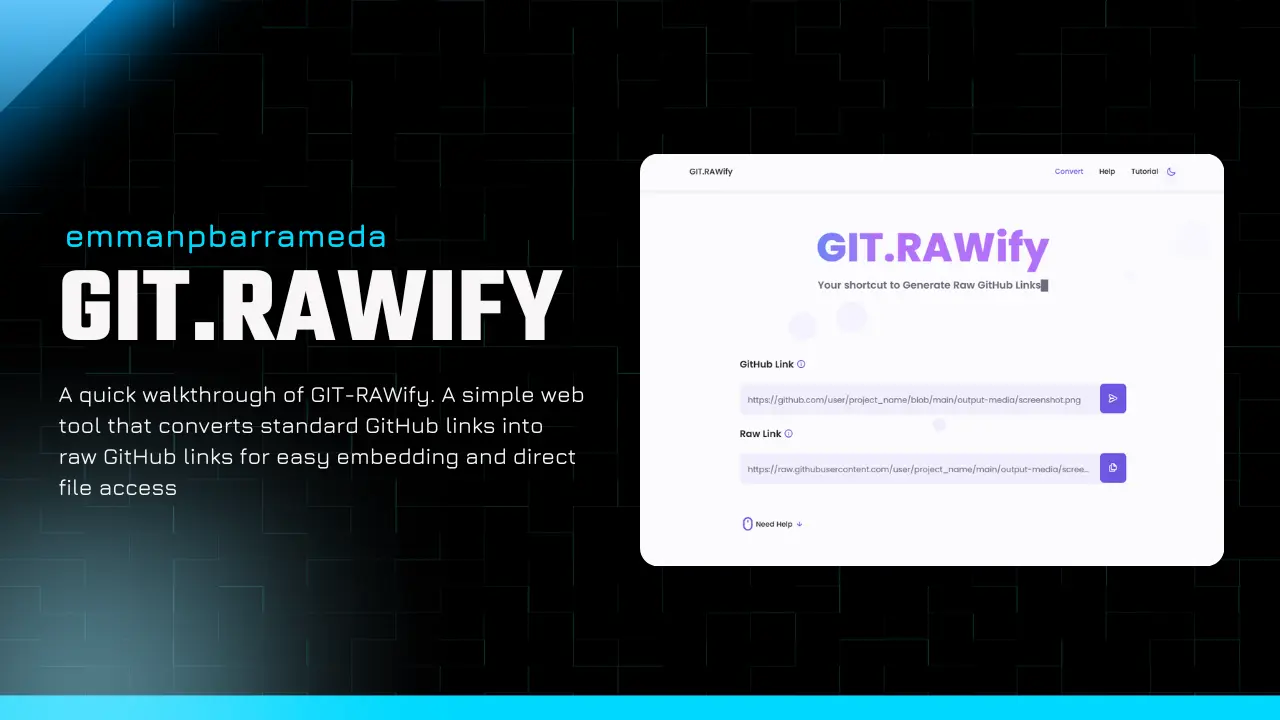
Are you tired of struggling with converting GitHub links to raw GitHub links? Say goodbye to manual conversions and embrace the simplicity of GIT.RAWify.
Why Raw GitHub Links Matter⎘
Converting GitHub links to raw GitHub links is useful when you want to embed GitHub content on other websites or platforms. It used to be a complex and time-consuming process, but with GIT.RAWify, it’s now easy.
How to use GIT.RAWify⎘
-
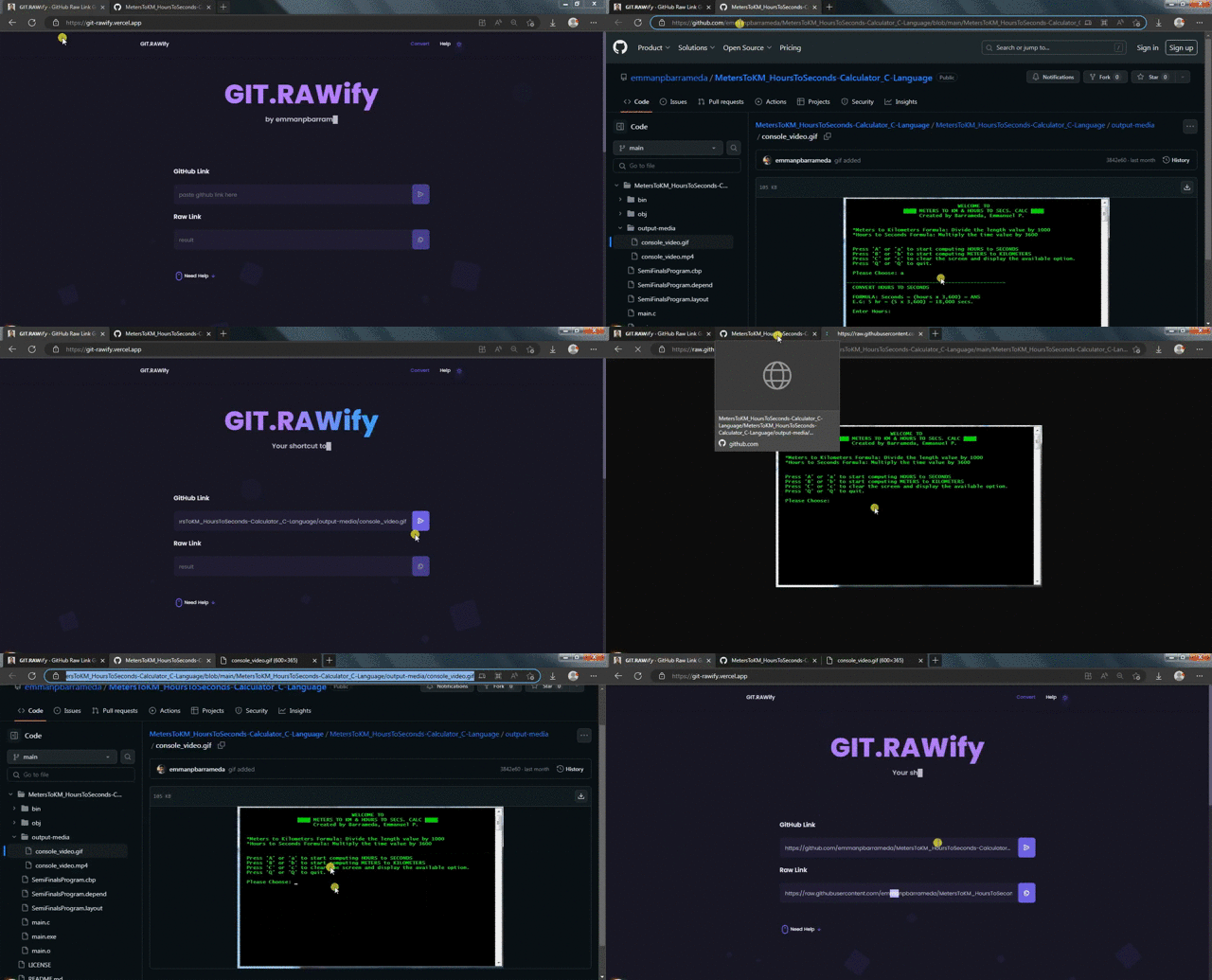
Visit the GIT.RAWify website:
https://git-rawify.vercel.app -
Paste your GitHub link
In the first text box, paste the GitHub link you want to convert. This can be a link to a repository, file, or any other GitHub resource. -
Click the convert button
After pasting the link, click Convert. GIT.RAWify will generate the corresponding raw GitHub link. -
Copy your raw GitHub link
Once the conversion completes, the raw GitHub link will appear in the second text box. Copy it and use it wherever you need to serve GitHub content on other platforms.
That’s it! With just a few clicks, GIT.RAWify streamlines the entire process of obtaining raw GitHub links—no complex manual conversions or formatting issues.
Support the Project⎘
If you find this project helpful, consider:
- ⭐ Starring the repository on GitHub
- 🐦 Sharing it on Twitter
- ☕ Supporting via PayPal: https://paypal.me/emmanpbarrameda
Get in touch⎘

Check out my portfolio to learn more about me! 
|

|




Made with ❤️ by emmanpbarrameda


Comments & Reactions
(click to open)